
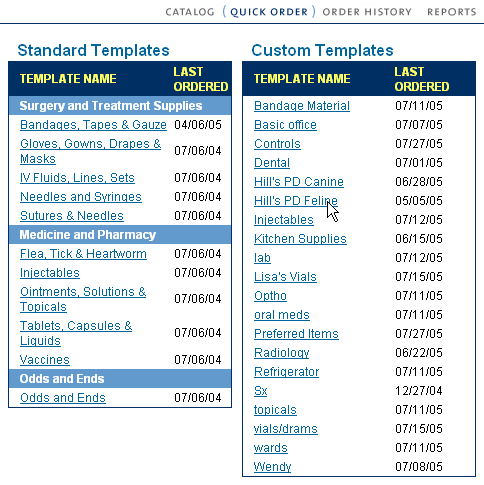
| To set optimal values, click on the template name on the Quick Order main page. |
 |
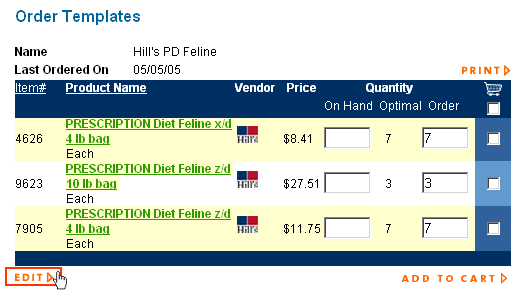
| Next, click on Edit at the bottom right of your template detail. |
 |
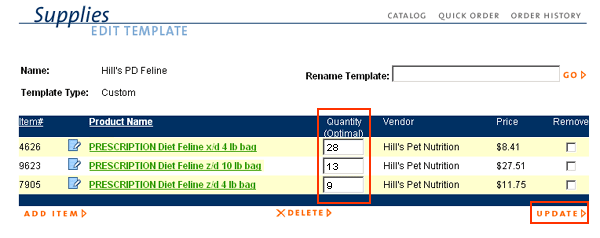
| Finally, enter in the optimal values in the middle column. Click UPDATE to save your values. |
 |
| Back to Purchasing Help |
